
How an edit happens
You talk to Claude. Claude works inside the app. The app checks the work before you see it.
From a voice to a finished draft
- 1
Claude listens first
The voiceover is transcribed word by word, junk takes and long pauses are cut, and every word gets a timestamp — so each visual can land on the word it belongs to.
- 2
It plans every beat
The script is split into beats. Each beat gets a place, a character, a camera move and a reason to change the picture — written down before anything is built.
- 3
It builds in the editor
Claude calls the app's tools: backdrops, characters that talk from the words, real maps, numbers, captions, transitions and sound. Every change lands on the timeline you can see and undo.
- 4
It checks its own work
Pacing, layout and a full edit review run before you see anything. Dead air, overlapping text, off-frame charts and boring stretches are fixed, then checked again.
- 5
You get a draft to review
A draft video, a GIF of the hook and a contact sheet arrive in your chat. Ask for changes in plain words — or open the project and edit it by hand.
26 beats planned for 7 minutes
backdrop_addforest-hqtoon_addarmaments-ministercamera_coverageevery 1.5smap_addfront + arrowscaptions_autostory-bubblesfx_auto38 categories
All gates passed — sending the draft
Here's the first draft of part 1. The hook lands on “the war is lost” at 0:14.
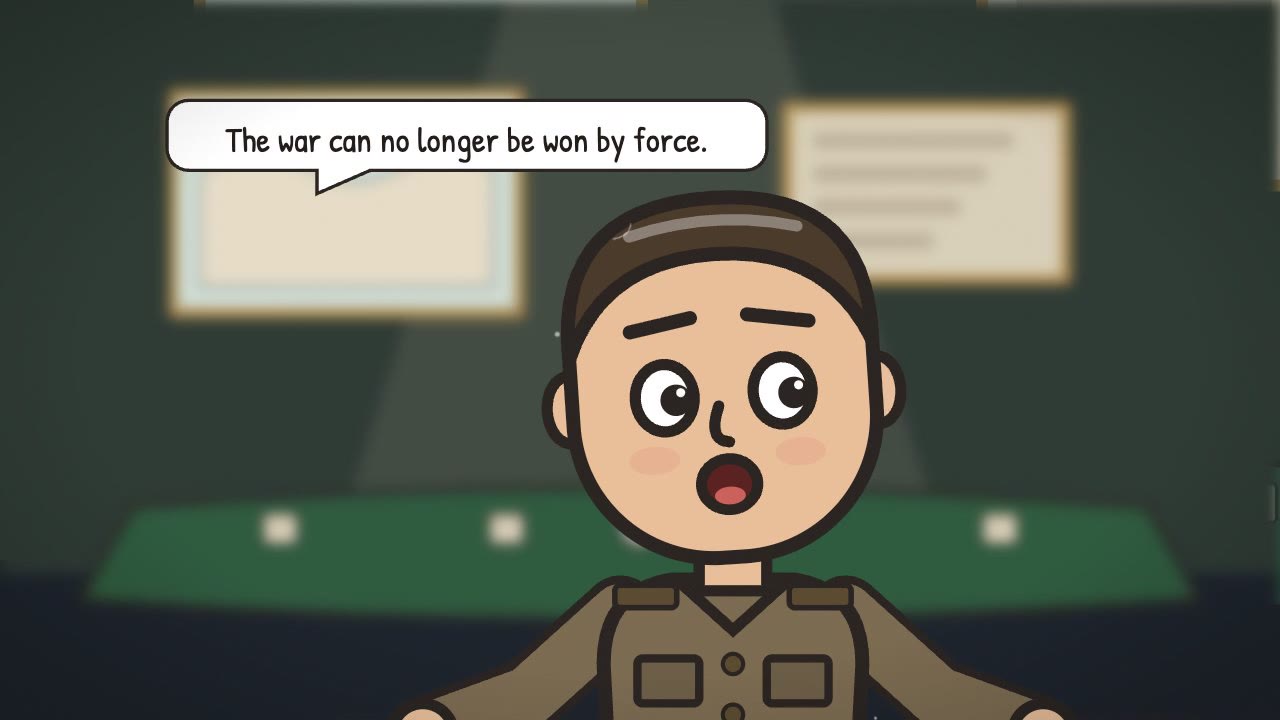
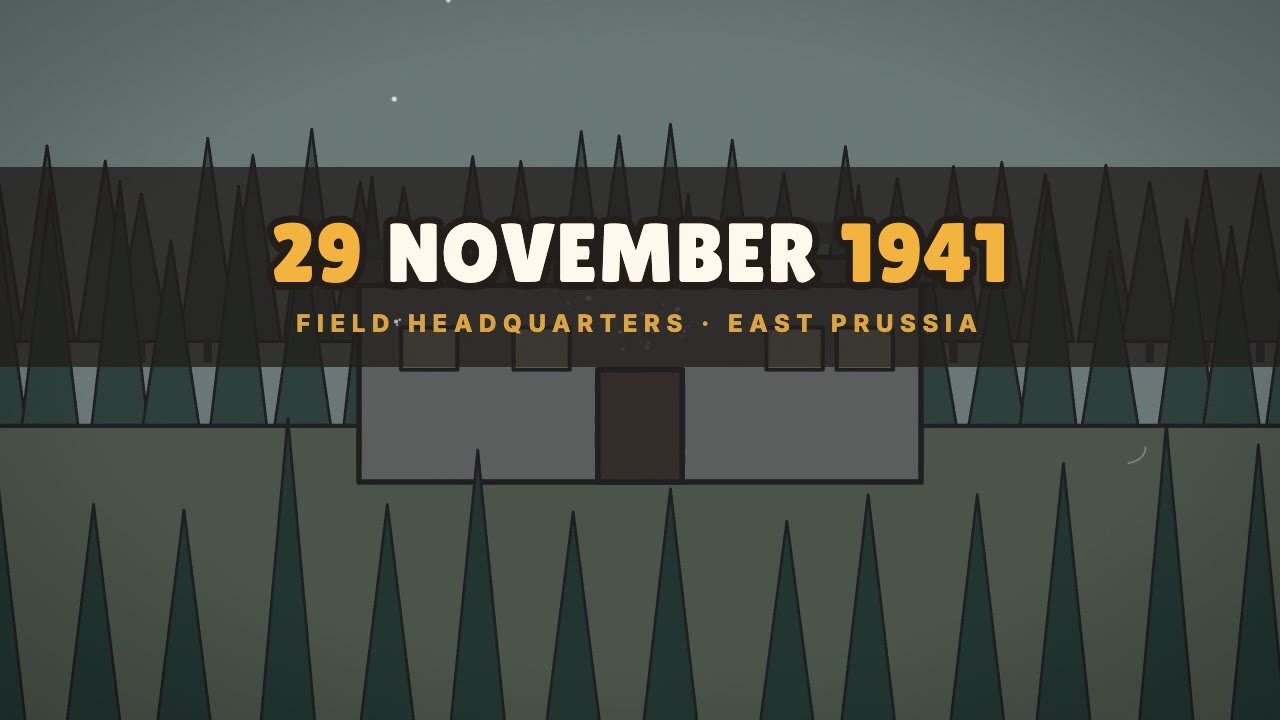
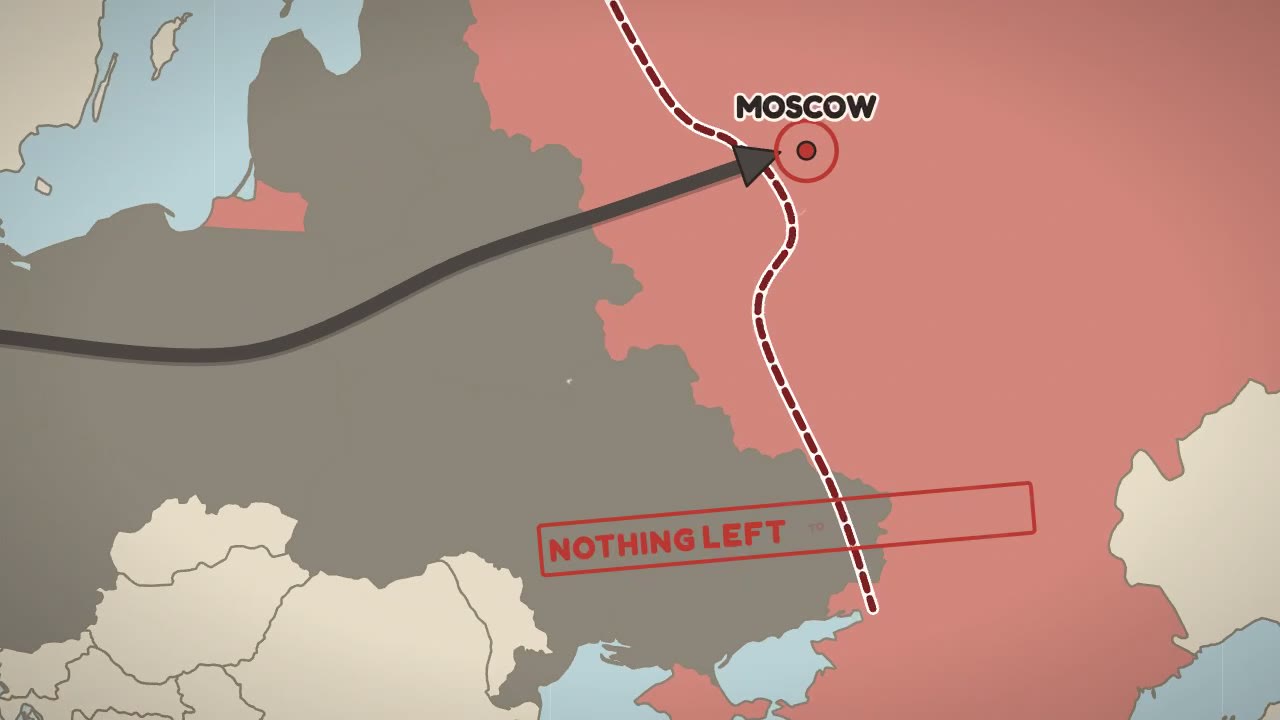
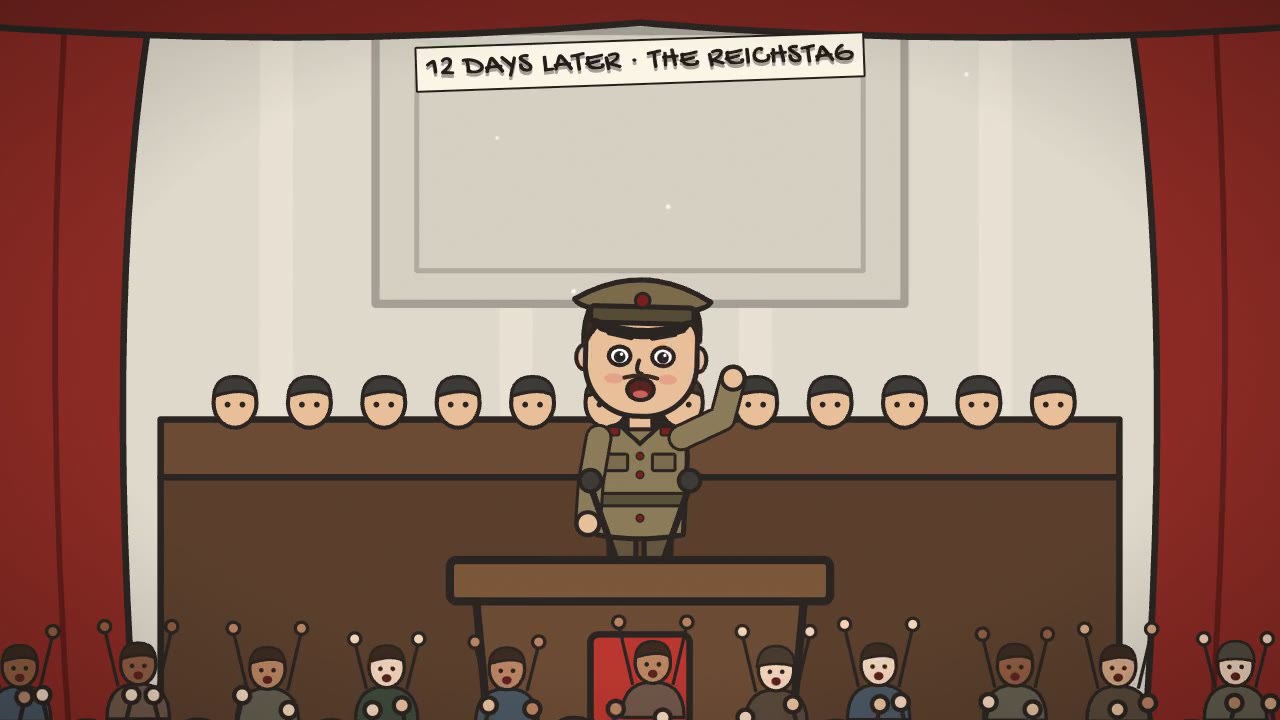
Every word is a cue
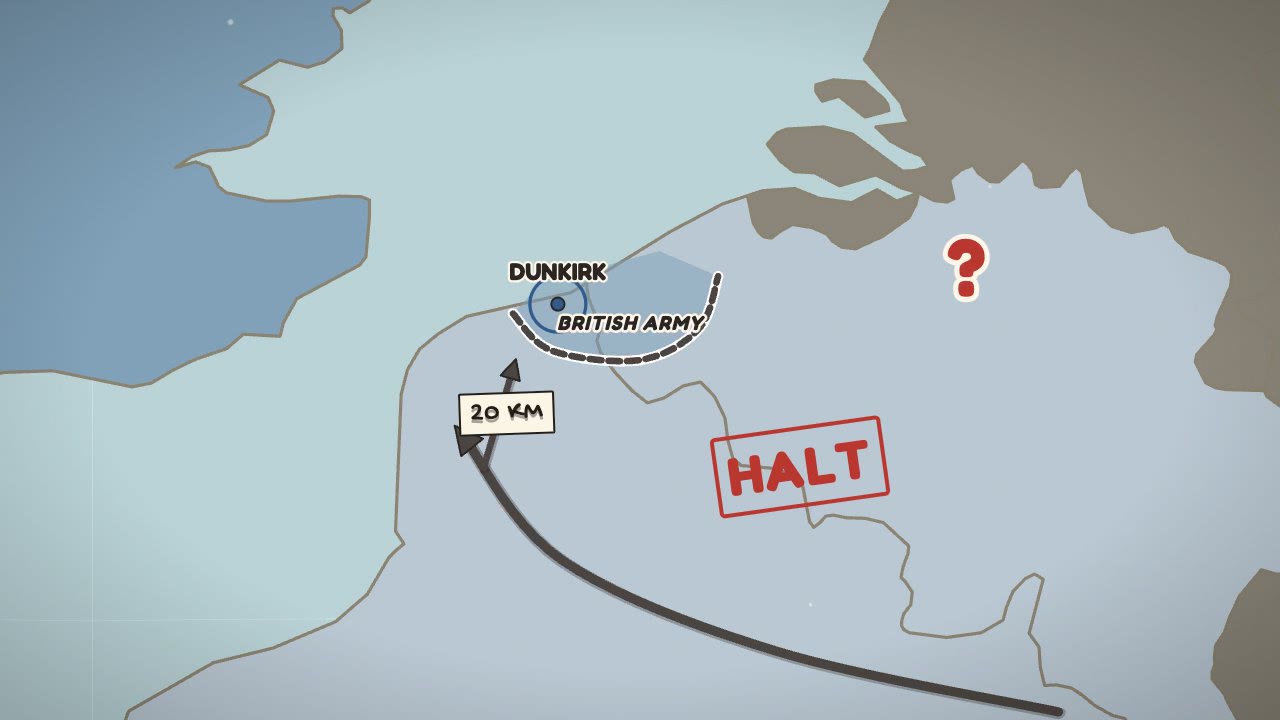
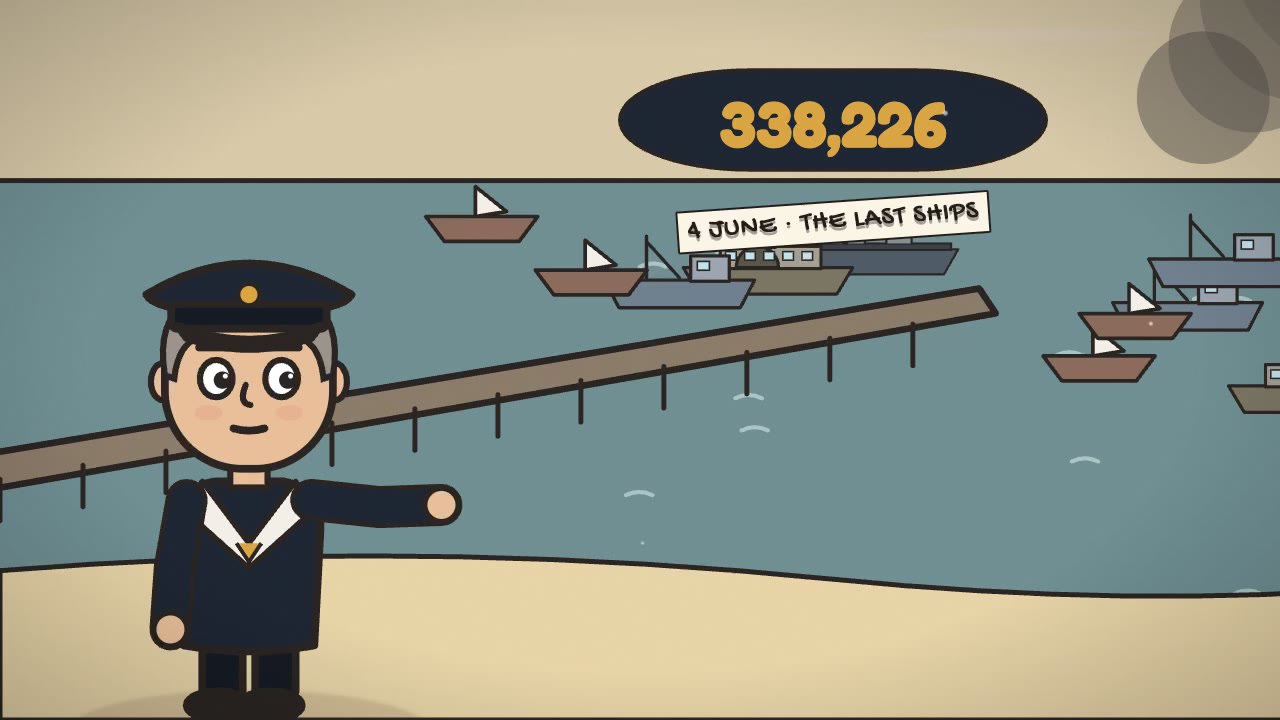
The voiceover is transcribed with a timestamp for each word. A character's mouth moves while the line is spoken, a label lands on the word that names it, a country turns grey on the sentence that says it fell.
Checked before you see it
- Pacing
- Flags any stretch longer than seven seconds where nothing new happens, and moments where too much arrives at once.
- Layout
- Checks text size, safe areas, contrast, overlaps and anything that covers a face.
- Loudness
- Masters the draft to streaming loudness and checks the peaks.
- Licences
- Lists every downloaded asset with its licence; nothing is downloaded without your yes.
Then it's your edit
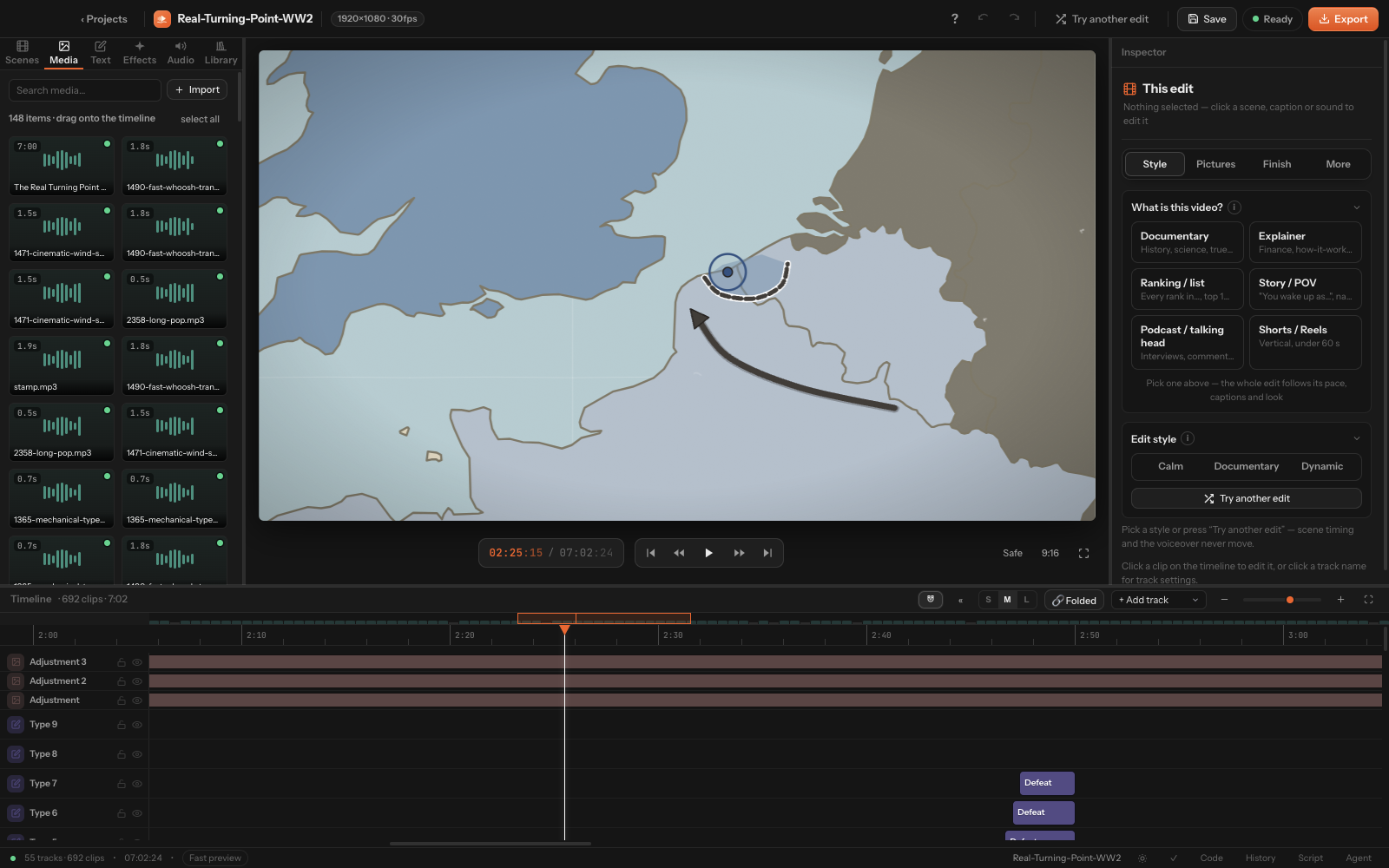
A draft, a GIF of the opening and a contact sheet arrive in your chat. Open the project and everything is an ordinary clip — move it, trim it, or tell Claude what to change.
Give Claude your next voiceover.
Auto Edit Flow is coming soon for Macs with Apple Silicon. Connect Claude once; every edit after that starts with a sentence.